Screens, batteries, charging issues and more.
Ask about a repair
We’re moving soon.
T37 · Opposite the pharmacyChullora Marketplace
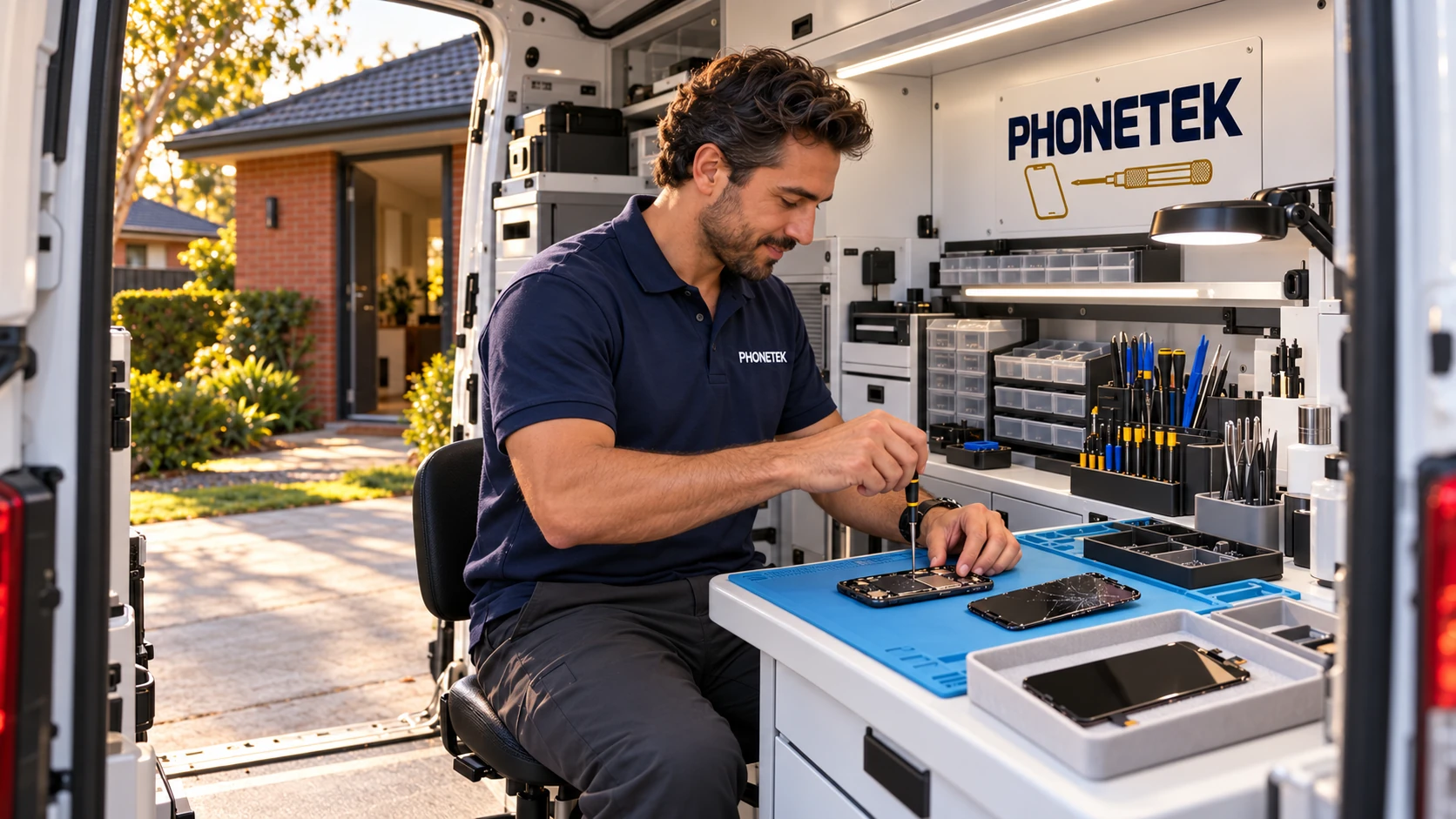
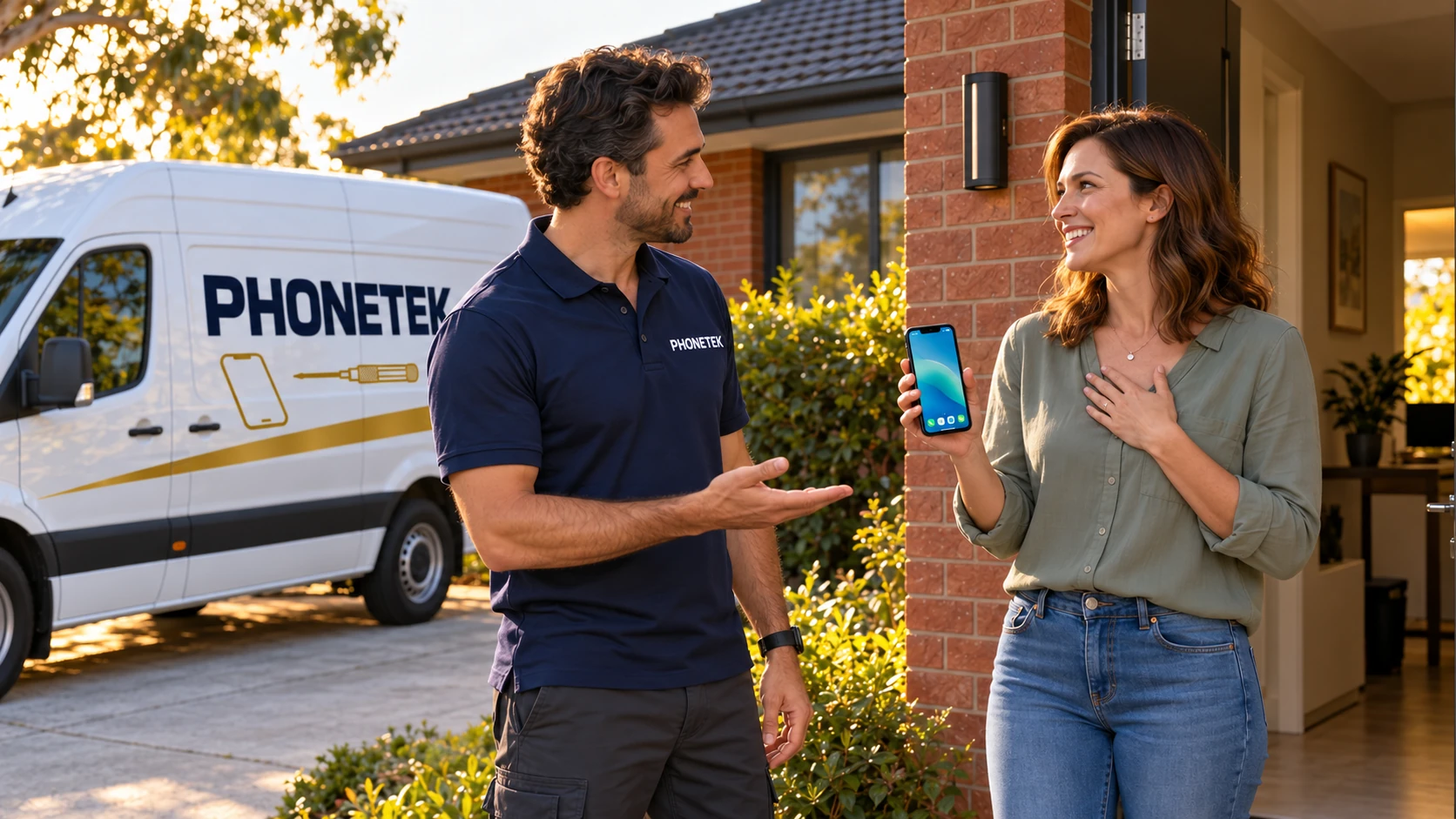
Fix your phone in 10 minutes. NEW: We repair your phone at your home in 10 minutes. Send us the problem and your location, and we’ll send you the price.
PHONETEK
Fix your phone at home
Tell us about your device and the problem. We’ll confirm whether a home visit is suitable and arrange the details with you.
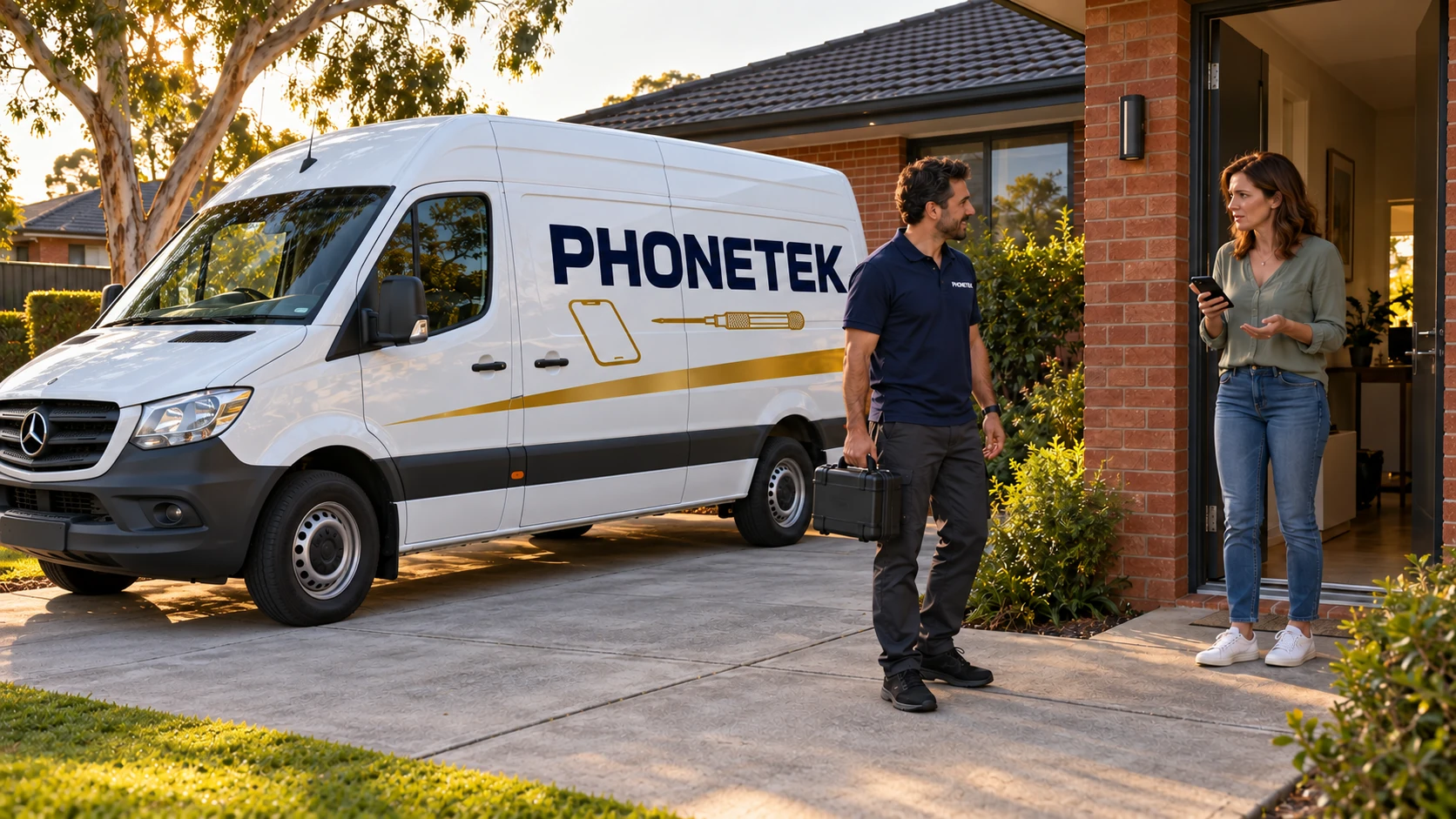
At your door
A PHONETEK service visit.
Explore accessories
Made for your kind of day.
Choose a category, then select an item to see its details.
What we repair
One shop. All your tech.
Bring your device in and our team will identify the problem and explain your options clearly.
Reliable repairs for iPad and Android tablets.
Ask about a repairHelp with laptops, computers and common faults.
Ask about a repairPlayStation repair services.
Ask about a repairDrone repair services.
Ask about a repairPHONETEK answers
Understand your phone’s symptoms with PHONETEK
Spot the signs and find a sensible next step.
Before your visit
What should I tell you about my device?
Start with the brand and model, what is not working, and when it started. Mention any recent drop, liquid exposure or change you noticed. Call 0499 948 782 or send us a WhatsApp message.
How can I check which model I have?
If the device works, look for its model name in Settings under About or device information. The box or purchase receipt may also help. If you are unsure, send a clear photo of the device with personal information out of view.
How do I get a repair cost and time estimate?
Tell us the exact model and symptoms. Ask what needs to be checked before an estimate can be confirmed. The repair option, price and expected timing must be confirmed for your particular device and fault.
Where should I go, and how can I reach you?
We’re moving soon to our new PHONETEK shop at T37 inside Chullora Marketplace, directly opposite the pharmacy. Call 0499 948 782 or contact us on WhatsApp to confirm visiting details. The directions link on this page leads to Chullora Marketplace, not a separate pin for the shop.
Understanding the problem
Should I back up my files first?
If the device still works and you can use it safely, make a current backup using your usual method. Tell us if access to your files is a priority. A backup is a precaution; this does not promise data recovery.
What helps when the problem is charging?
The power adapter supplies energy, the cable carries it, and the device's charging circuit regulates how much it draws. Slow charging can involve the adapter's power and compatibility, the cable, the charging port, device temperature, or the battery's charge level and condition. Brand alone does not identify the cause; compatibility and component condition matter. Bring your cable and adapter for checking if practical, and do not use visibly damaged accessories.
Charging-port care: Do not insert a needle, pin or any metal object into the charging port. This can damage the contacts and leave the port needing repair. If charging cuts in and out or you can see debris, have a technician inspect it.
When should I have my battery checked?
If battery life has dropped noticeably or a battery-service alert appears, have it checked to find out whether replacement is needed.
If you notice swelling or a lifting screen: Stop using and charging the phone. Do not press it or push the screen back into place. Have a qualified technician inspect it urgently.
My phone got wet. Should I put it in rice?
No. Rice is not recommended: small particles can get into the charging port and cause damage. Do not plug in a charger while the phone or connector is wet. Keep the rice for dinner… and the phone for PHONETEK!
What does a liquid or moisture warning mean?
It means the phone has detected moisture or liquid in the charging connector or a connected cable or accessory. Unplug the cable and do not override the warning to force charging. Let the connector and cable dry, following the instructions for your Apple or Samsung model. If the warning keeps returning when everything is dry, have it checked.
Can a screen be damaged without cracked glass?
Yes. A phone screen is more than glass: it includes parts that display the picture and sense touch. A drop can damage it internally even when the outer glass looks intact. Lines, dark patches or touch problems after a fall are reasons to have it checked.
Can full storage make my phone slow?
Nearly full storage can contribute to slow performance. Check what is taking up space, make sure important files are safely backed up, then remove unneeded apps or files. iCloud and Google cloud storage are separate from the phone's internal capacity; buying more cloud space does not increase that capacity. Not every phone supports a memory card.
Before deleting photos: Deleting synced photos can also remove them from the cloud and other synced devices. Confirm how your photo service handles deletion, and keep a separate safe copy of anything you want to keep.
What if the fault only happens sometimes?
Note when it happens, what you were doing and any message on the screen. A short recording can help show an intermittent fault. Keep personal information out of anything you share.
Which photos are useful when I enquire?
Send a clear view of the device and a close-up of any visible damage. For a screen message, make sure the wording is readable and private details are hidden. Photos can help explain the issue, but may not confirm its cause.
Choosing your accessories
How do I choose a case that fits?
Check the full model name, including details such as Plus, Pro or Max. Similar-looking phones can have different sizes, buttons or camera positions. Bring your phone or send its model name so we can discuss the right fit.
What should I know before choosing a charger?
Share your device model and the connection at each end of your cable. If available, include the charging specification from your device maker. Connector shape alone does not establish charging compatibility or speed.
What should I consider when choosing a power bank?
Tell us which devices you want to charge, how you use them during the day, and whether size or weight matters most. Check the stated ports and capacity of the actual product before deciding.
How do I choose headphones for my everyday use?
Tell us whether you mainly listen to music, take calls or use them while travelling, and which device you will connect. We can discuss your preferred fit and connection. Check the features of the specific product rather than assuming every pair is the same.
About PHONETEK
Your tech. Your everyday.
Over 15 years of experience in mobile phone repairs.
PHONETEK brings device repairs and everyday accessories together in Chullora. From a screen problem to choosing a case or a charging essential, start with a conversation about what you need.
Talk to PHONETEKGoogle reviews
Customer reviews
217
5-star reviewsfrom 220 Google reviews
Google review snapshot checked:
Selected customer reviews
Our new location
Moving soon to T37.
Having trouble with your phone? Call PHONETEK for a free consultation, and we’ll help you make an initial assessment of what might be causing the problem.
Shop T37 opening hours
New T37 shop · From opening day
- Monday
- 09:00–17:30
- Tuesday
- 09:00–17:30
- Wednesday
- 09:00–17:30
- Thursday
- 09:00–19:00
- Friday
- 09:00–17:30
- Saturday
- 09:00–17:30
- Sunday
- 09:00–16:00
Sunday may extend to 17:30. Call to confirm extended Sunday hours.
Confirm Sunday extension · 0499 948 782PHONETEKNew shop: T37
Inside Chullora Marketplace · Directly opposite the pharmacy
This website presents our new T37 shop. The listed opening hours apply from opening day.
0499 948 782
Need your tech working again?
Speak with the PHONETEK team today.